Five modules with different jobs
Architect organizes the persona; Imagine handles visual direction; RPG Maker develops mechanics. Wardrobe.dll tracks clothing and Chat_Assistant.dll guides dialogue rules. The names describe complementary roles rather than a conventional cast of speaking characters.
- Architect
- Imagine
- RPG Maker
- Chat_Assistant.dll
- Wardrobe.dll
Build a coherent core first
Write the adult identity and the purpose of the Kyn before layering on visual detail or game rules. Then test the personality, appearance and behavior in turn. Keeping tasks separate makes a contradictory instruction easier to locate.
Revise without changing every layer
A different outfit does not need a new history, and a new dialogue rule does not need to replace the world. Adjust the module that owns the relevant behavior, then test the opening again. Review private or public visibility before sharing a finished project.
Scenario roster
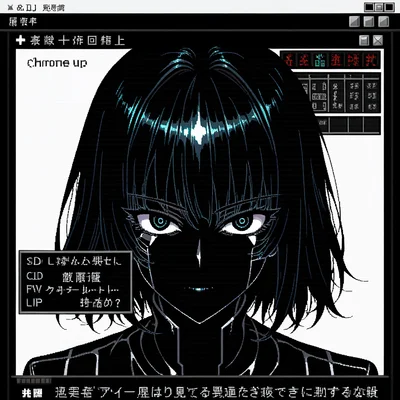 01Architect
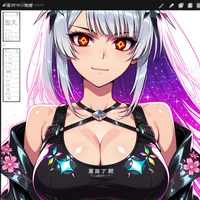 02Imagine
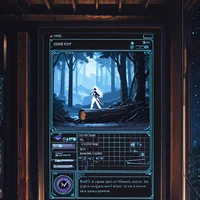 03RPG Maker